
Scan & sell in seconds
USB or Bluetooth scanners and the phone camera read barcodes and QR codes. Autocomplete search, product grid, units and variants.
POSMaster is a lightweight Laravel POS for shops, supermarkets and multi-branch stores. Scan, sell, print and track stock in one place, even when the internet drops.
— Everything a shop needs
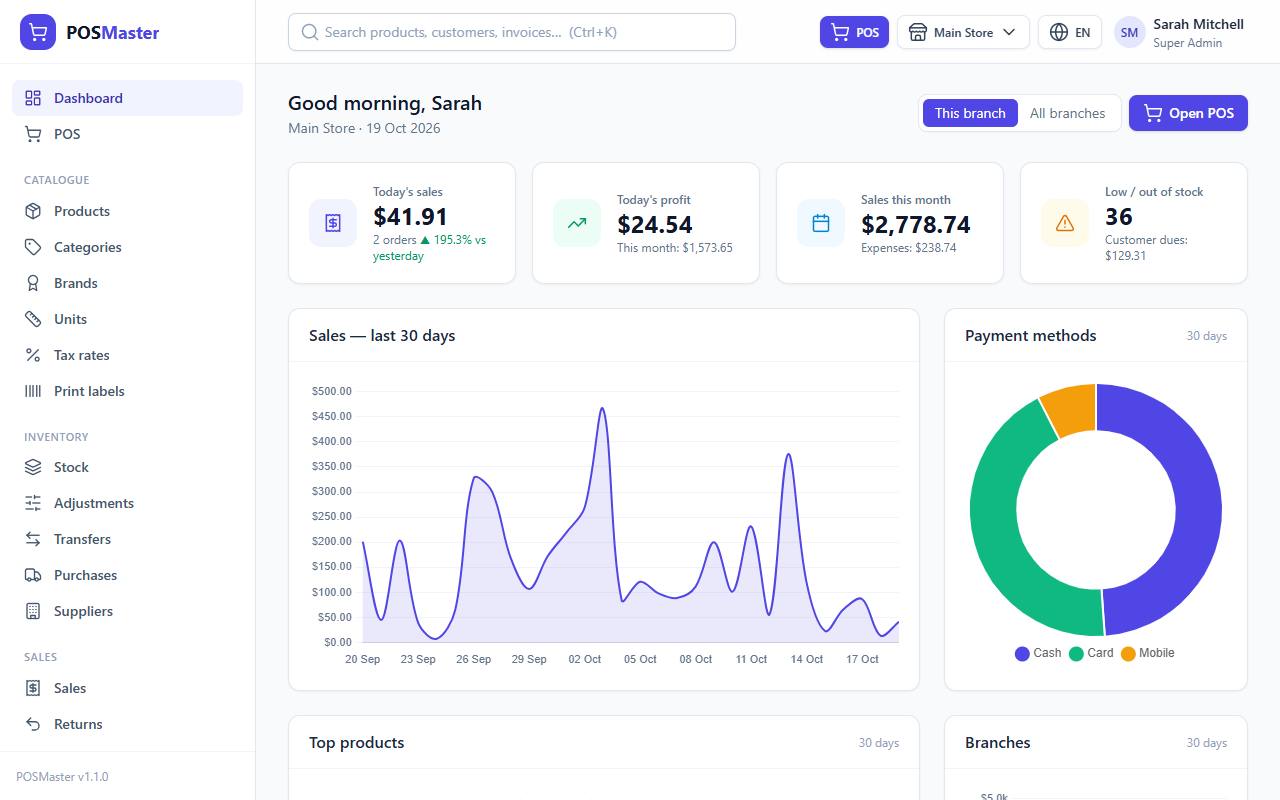
Fast checkout for cashiers, clear numbers for owners. Every module works together: a sale updates stock, loyalty, reports and the customer's history at once.
USB or Bluetooth scanners and the phone camera read barcodes and QR codes. Autocomplete search, product grid, units and variants.
When the connection drops, the POS keeps working with cash and card. Sales sync by themselves later and get their real invoice numbers.
Stock per branch and warehouse, transfers, adjustments, purchases, supplier returns and a full stock-movement ledger with low-stock alerts.
Invoices, quotations, purchases and returns as PDF, Arabic included. Email them with one click, or send every receipt automatically.
Loyalty points, gift cards with balance history, coupons with limits, and automatic multi-item promotions by product or category.
Sales, profit & loss, stock value, products, customers, suppliers, tax, cashiers and more. Filter by date and branch, export CSV, print.
— The sale, step by step
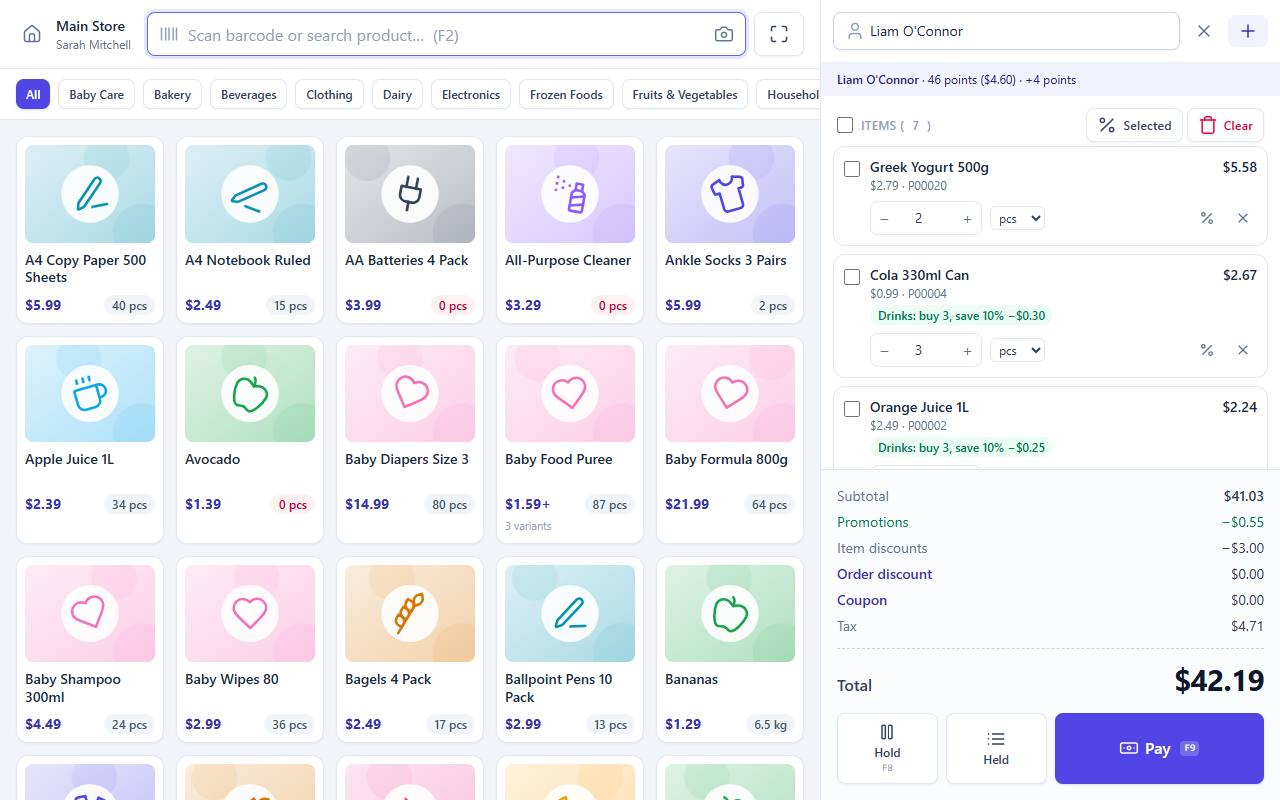
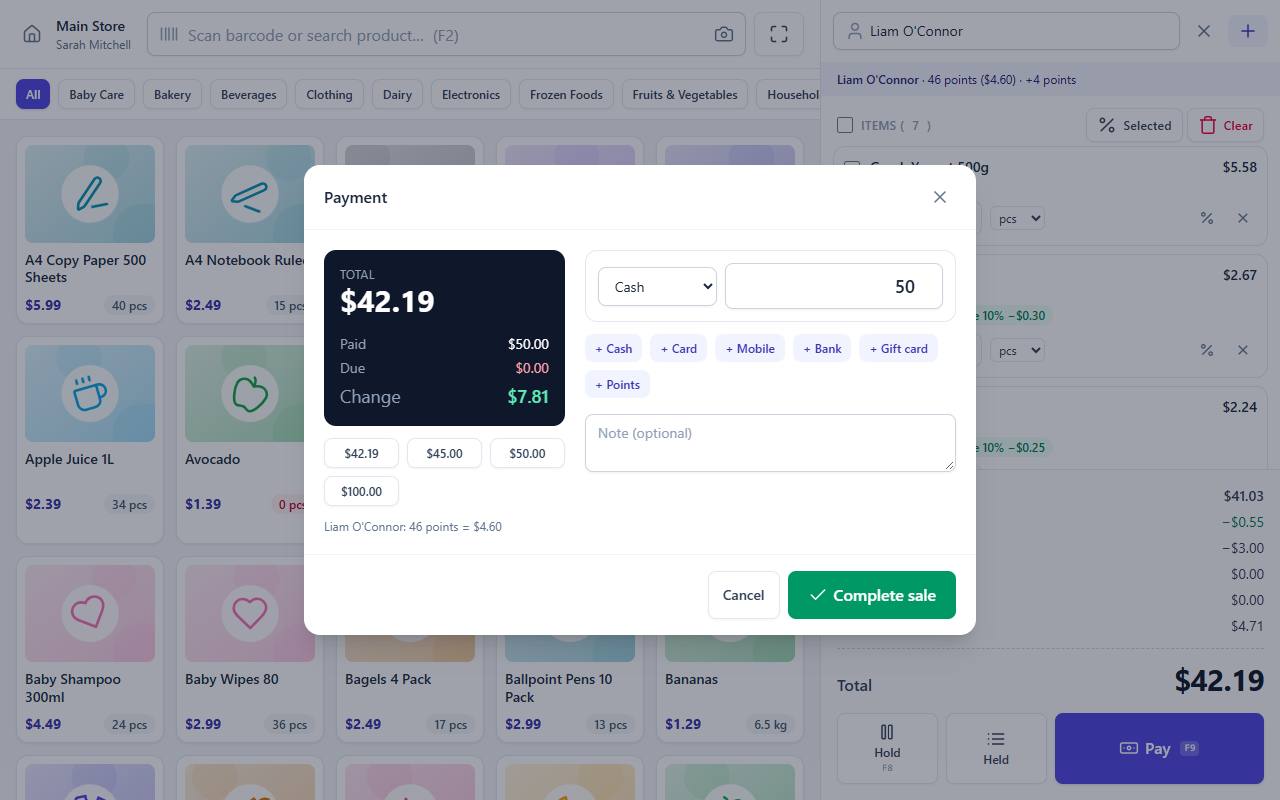
Prices, promotions and tax are always calculated on the server, so totals are right on every till, and every sale updates stock and reports at once.
Barcode, QR, search or the product grid. Units and variants are picked on the spot.
Line or order discounts, coupons, loyalty points and running promotions.
Split between cash, card, mobile, bank, gift card and points. Change is shown.
58/80 mm or A4 receipt, PDF and email, plus a kitchen ticket when needed.
Stock, customer history, loyalty and reports update instantly. Sales are voided or returned, never deleted.
— Beyond the basic till
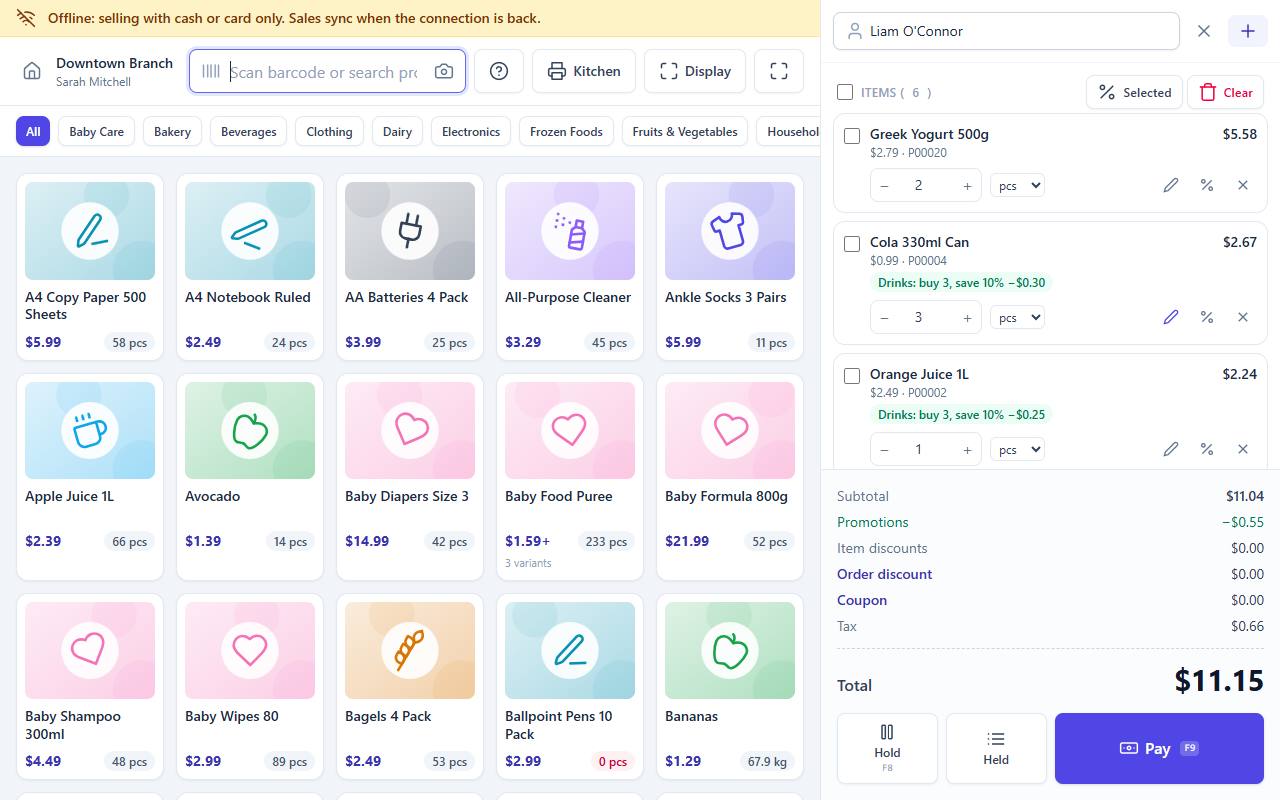
An installable app that stores products and prices in the browser. Offline sales print with a temporary number and sync later. A review page shows any difference.
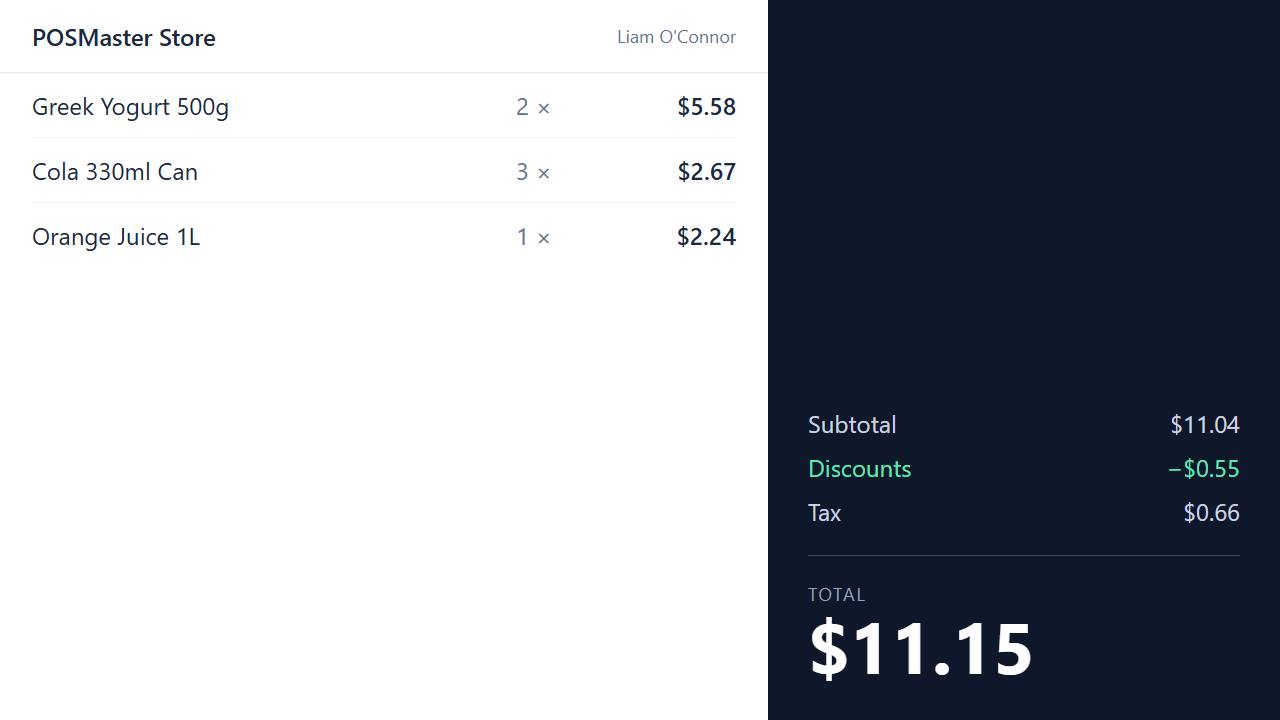
Shows items, total and change live, a thank-you QR after payment, and your promo pictures while the till is idle.
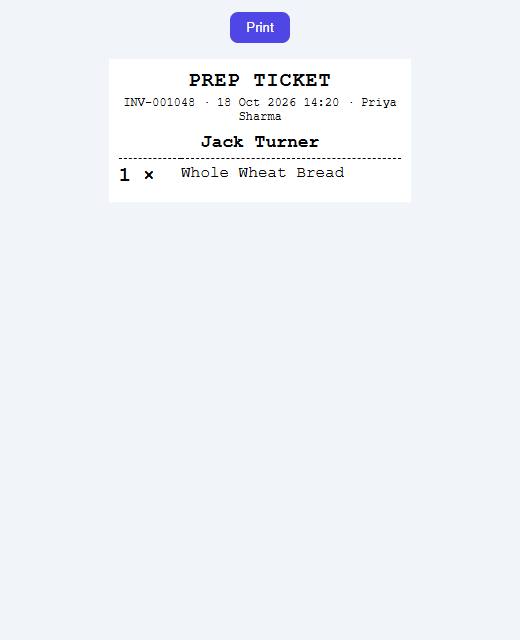
Preparation tickets without prices for the categories you choose, with notes like "no sugar" per item. Great for cafés and food counters.
— Three languages, one system
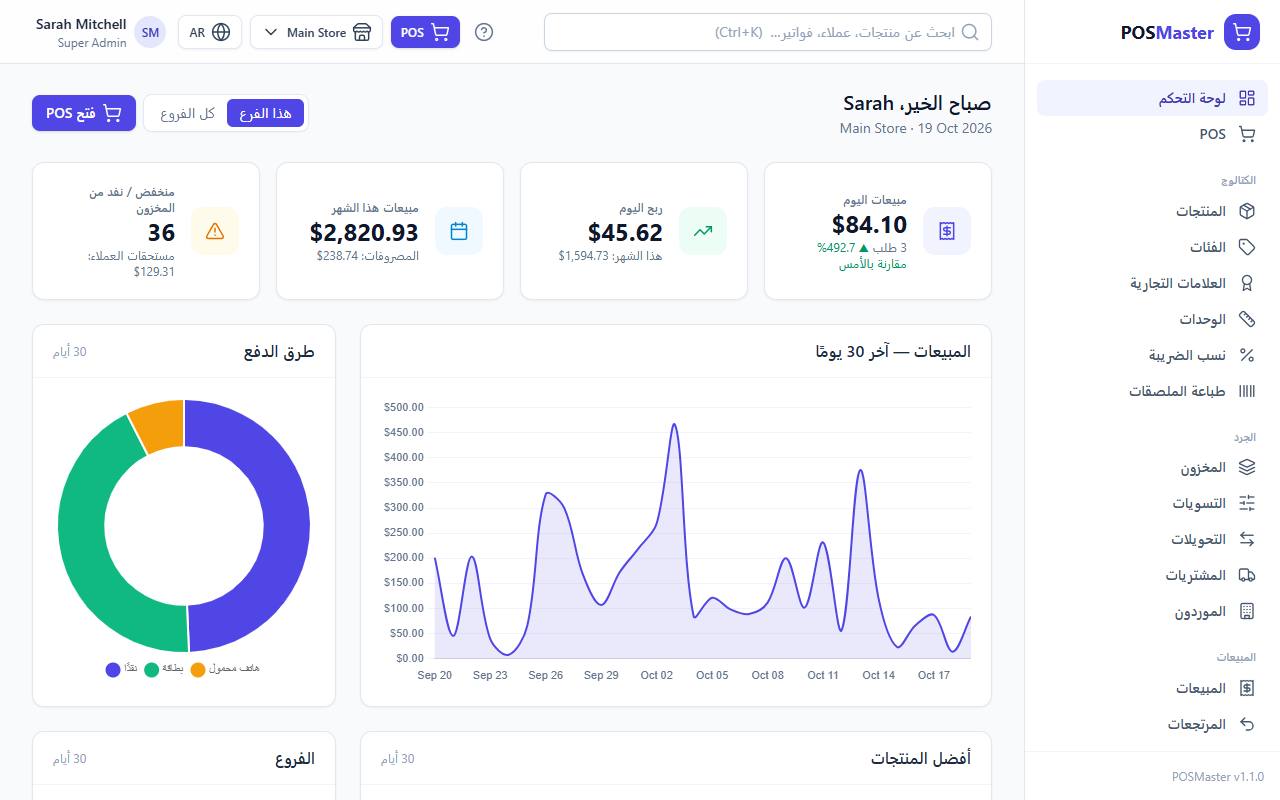
Every screen, receipt and PDF in each language, with true right-to-left layout for Arabic. Add more languages by uploading a translation file, no code needed.
— For everyone at the shop
Every branch, every report, users and roles, settings, backups.
Runs the business day to day: catalogue, purchases, sales and reports.
Stock, transfers and supplier returns for their branches, plus offline sales review.
A fast POS, customers and quotations, and only what the till needs.
Need something else? Build your own roles with the permission matrix: every module and action can be switched on or off.
— Safe by design
Server-side checks on every action, private storage for backups, and a demo mode that lets you show the system to anyone without fear.
Every route and button checks the user's permission.
One-click backup and restore, optional AES-256 password, safety copy before every restore.
Nothing can be deleted and passwords can't be changed, even by the demo Super Admin.
Who changed what and when, viewable by the owner.
Sales, purchases and payments are voided or returned, never deleted.
Hashed passwords, CSRF tokens, escaped output and server-side prices.
— Under the hood
Clean code that is easy to change, with a test suite that runs on every update. Runs on cPanel shared hosting, your own computer, a VPS or Docker.
— Product tour
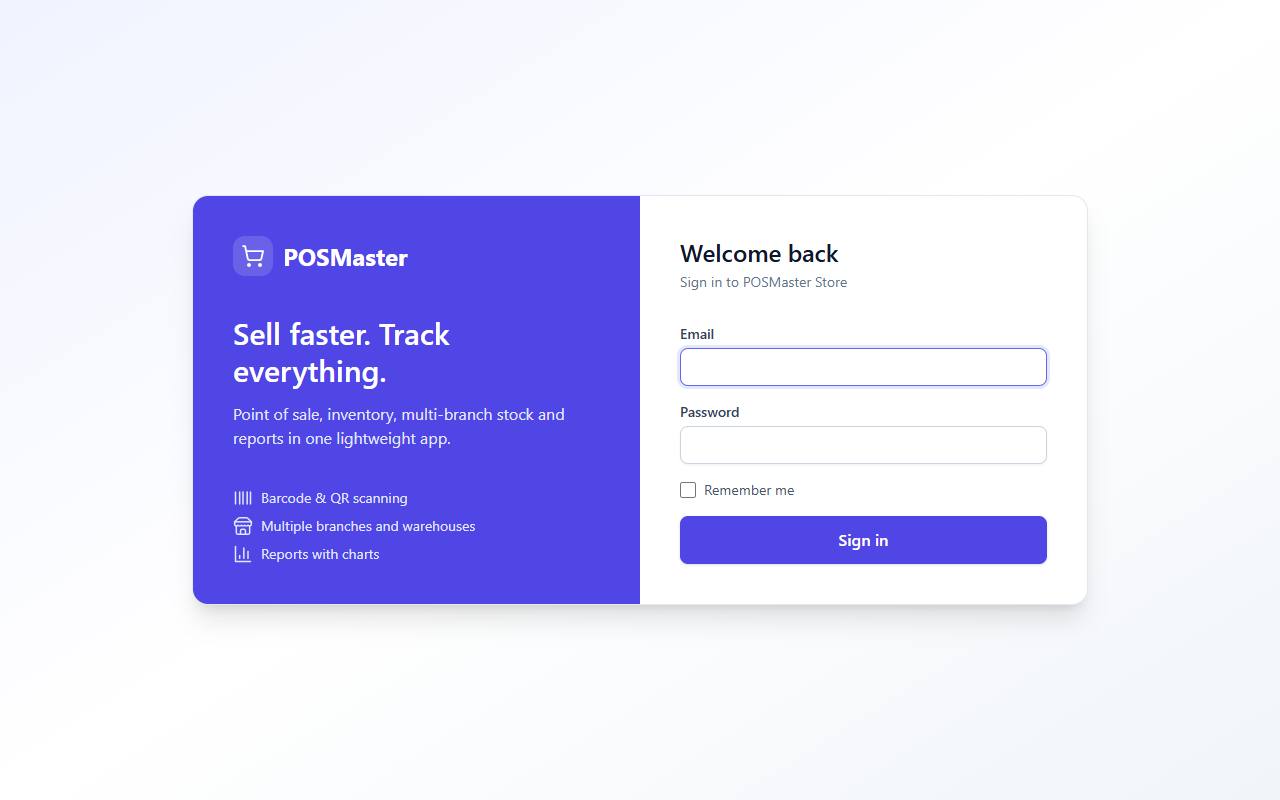
Screens from the demo shop. Pick a module, or open any screen in the live demo (one-click demo accounts on the sign-in page).
— Up and running in minutes
Upload the files to cPanel (public_html or a sub-folder) or copy them into XAMPP.
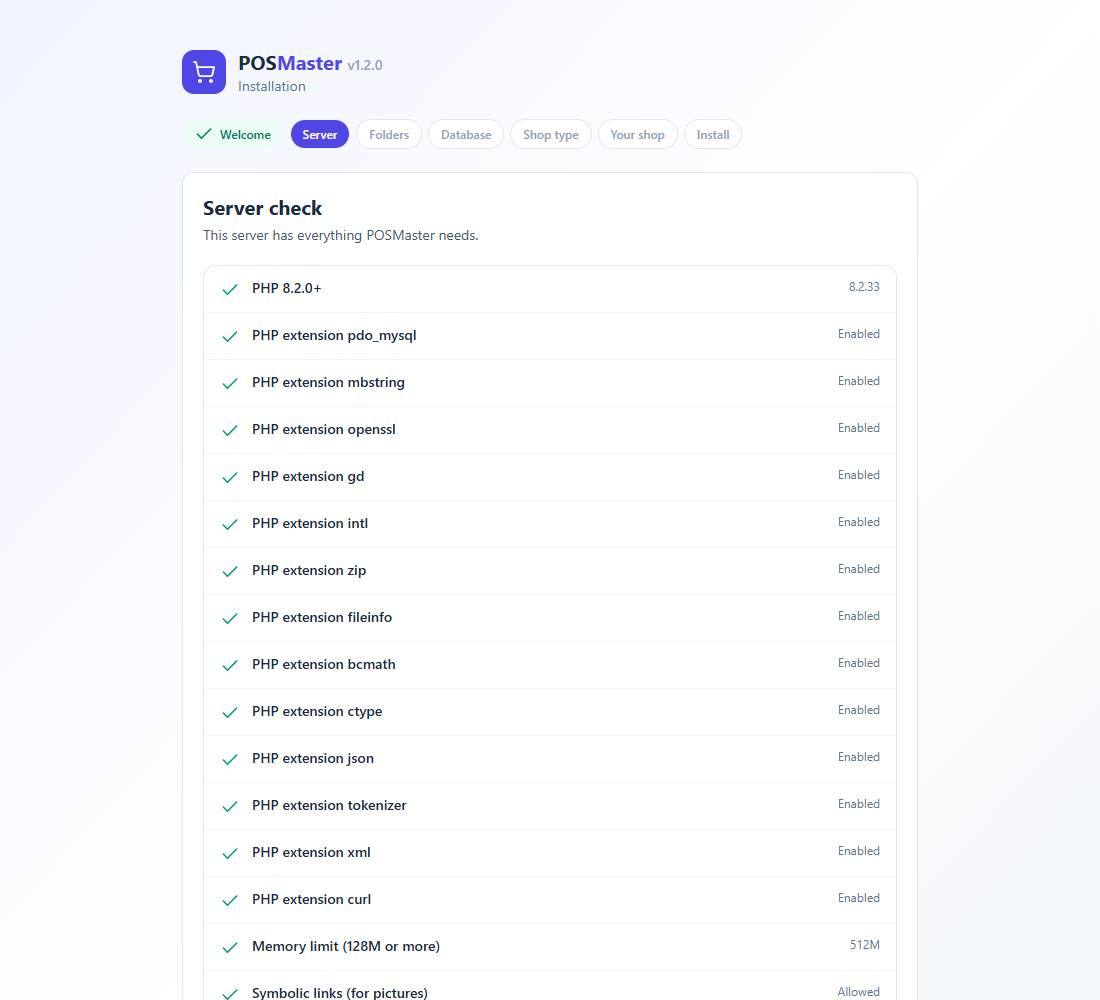
The web installer checks the server, the folders and your database for you.
A clean shop with your admin account, or the full demo shop. Done in under a minute.
Try every screen in the live demo, then get the full source code with the help guide, demo data and installer.
DEMO ACCOUNTS · PASSWORD: password